Sign in
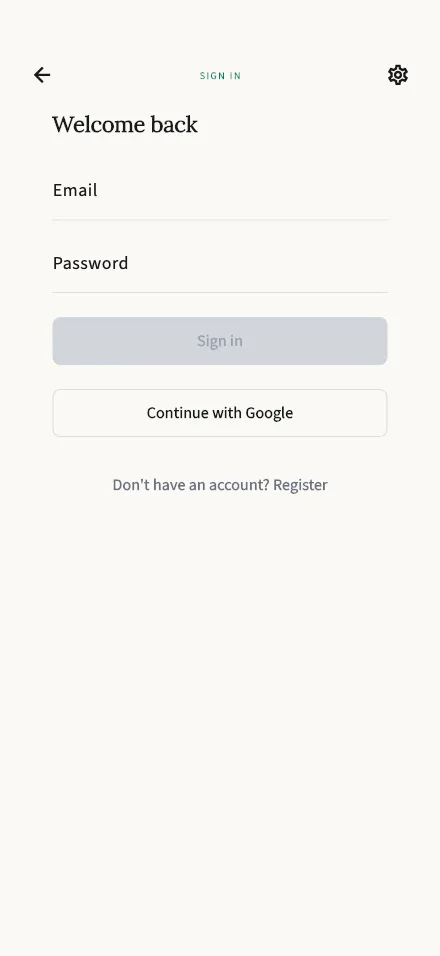
Sign back in to your TalkStik account with your email and password.
In-app route: /login
Signing in
Section titled “Signing in”Enter the email address and password you registered with and tap Sign in. If you created your account with Apple or Google, use the matching button instead — there’s no password to remember.
Don’t have an account yet? Tap Register at the bottom of the screen. See Create your account for how to get started.
“That didn’t match. Try again.”
Section titled ““That didn’t match. Try again.””The email and password don’t match an account. A few things to check:
- Typos — passwords are case-sensitive, and it’s easy to mix up similar addresses.
- Did you sign up with Apple or Google? If so, your account has no password — use the Continue with Apple or Continue with Google button instead.
- Different email — you may have registered with another address. Try the others you use.
Forgot your password? Password reset isn’t available in the app. Email us at support@talkstik.com — from any email address — and we’ll help you get back into your account.
Signed out unexpectedly?
Section titled “Signed out unexpectedly?”For your security, sign-ins expire after a period of inactivity. Signing back in returns you to your account with everything intact — your sessions and reports are never affected by being signed out.